
How Municipal Court Warrants Work
Local justice courts handle many Cache County traffic citations, infractions, and lower-level misdemeanors. A missed court date can produce a failure-to-appear process under Utah rules, but the court controls whether it issues a warrant, sets a new appearance, or accepts another form of compliance. The sheriff may serve an order; it does not decide the court outcome. The Utah Courts overview describes how justice courts fit into the state system and helps distinguish them from the First District Court, which handles different case classes.
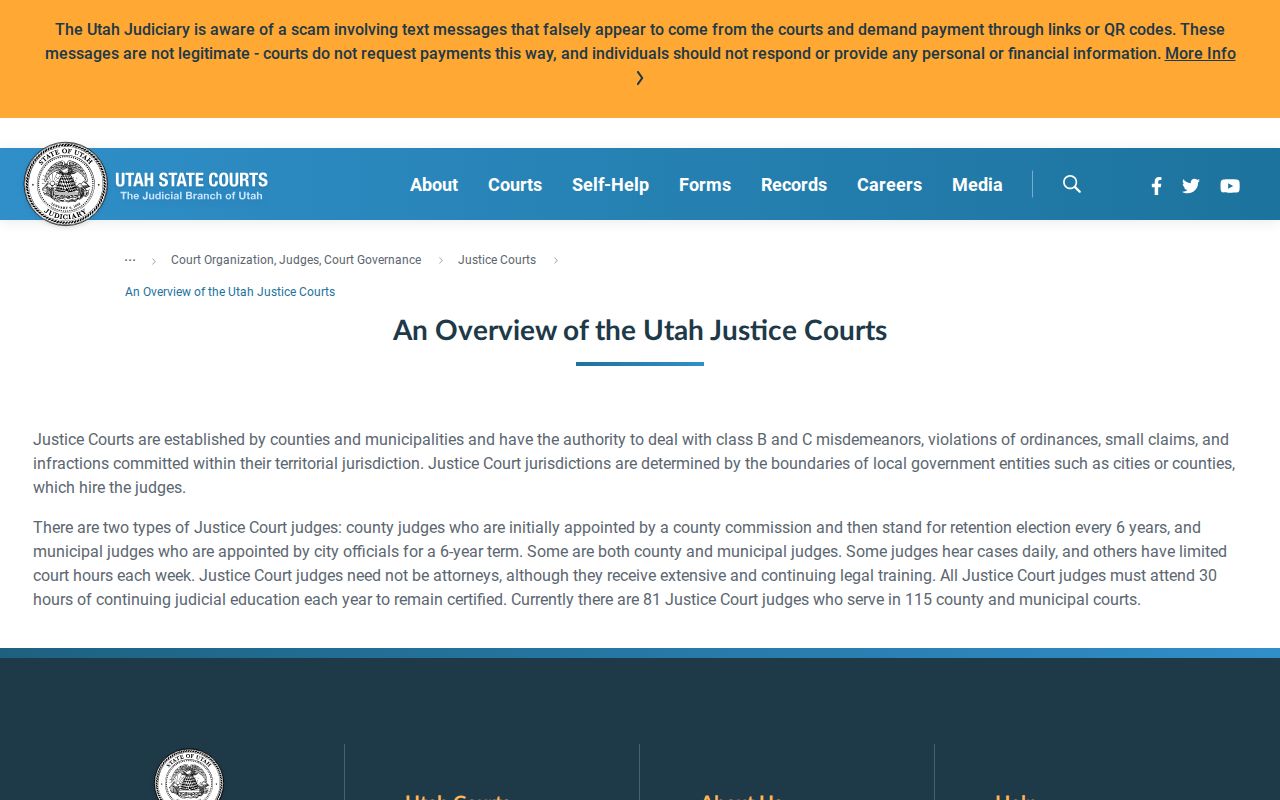
A person checking a notice should copy the court name, citation or case number, and any appearance date before searching. “City court” is a convenient description, not a single county docket. A matter may be in a city justice court, the First District, or a court that was later dissolved. Ask the court to identify the present docket owner if an old notice names a court that no longer operates.
Logan’s Justice Court Is a Separate Counter
Logan Justice Court is at 446 N 100 W and lists (435) 716-9540. It handles class B and C misdemeanors, infractions, and small claims. The First District courthouse is nearby at 135 N 100 W, but proximity does not make the two offices interchangeable. The First District Cache contact is (435) 750-1300. A notice naming Logan Justice Court should go to its clerk; a district-court matter should be confirmed with the district clerk.
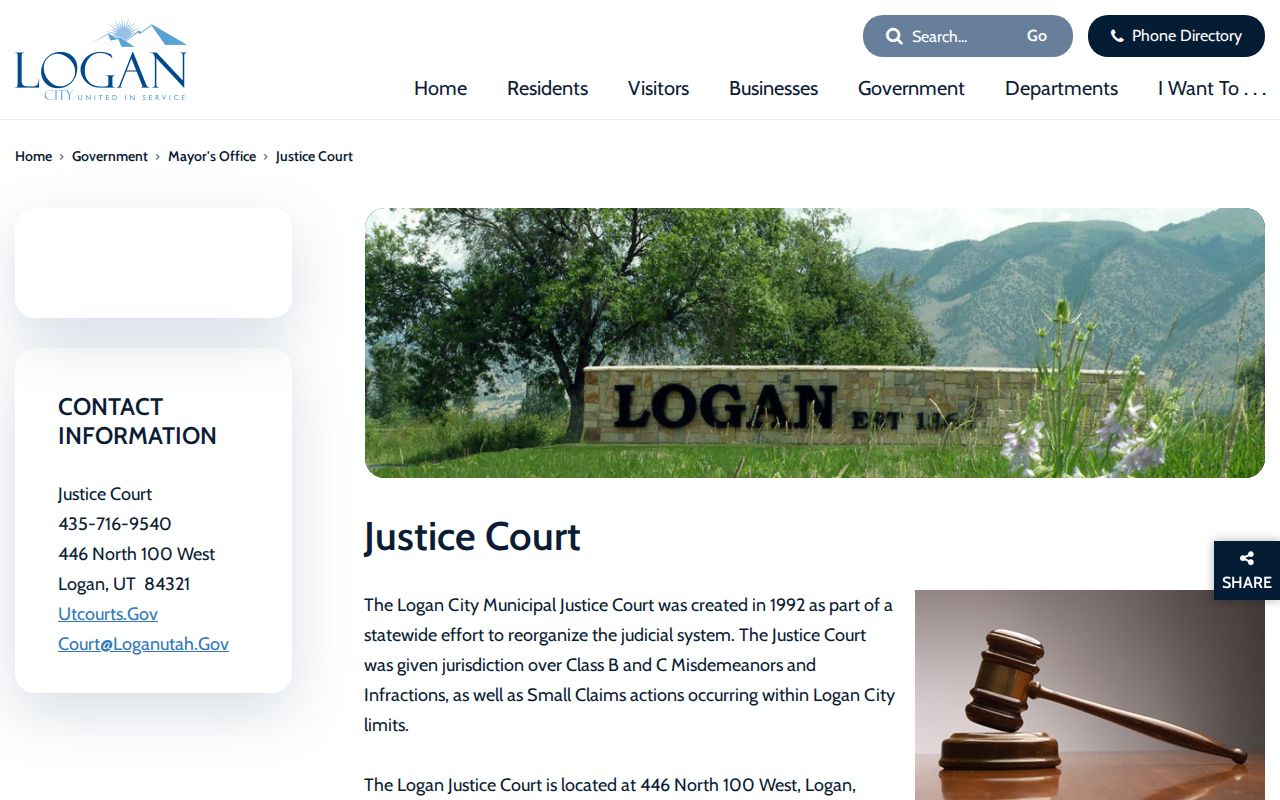
The Logan page cautions that a payment may take up to five days to appear and says mailed payments should include the citation or case number. Do not treat a payment receipt as proof that a warrant has been recalled. Call the clerk and ask whether an appearance, proof of compliance, or judicial order is still required.
Municipal Courts Across Cache County
The current local court map includes Logan, Hyrum, Providence, and Wellsville justice courts. Their service boundaries are not limited to residents of the named city: Hyrum serves nearby communities, and Providence serves Millville and River Heights. The First District handles cases routed to district court. Unincorporated location alone does not identify the docket; use the issuing-court label printed on the citation or case record.
| City | Court | What It Handles |
|---|---|---|
| Logan | Logan Justice Court | Class B/C misdemeanors, infractions, small claims |
| Hyrum | Hyrum Justice Court | Hyrum, Nibley, Mendon, Paradise |
| Providence | Providence Justice Court | Providence, Millville, River Heights |
| Wellsville | Wellsville Justice Court | Local justice-court matters; virtual Tuesday sessions |
Hyrum’s Shared Court Serves Four Communities
Hyrum Justice Court serves Hyrum, Nibley, Mendon, and Paradise. That shared coverage makes the court name more useful than a person’s current city when identifying where to call. The Hyrum City Office at 60 W Main lists (435) 245-0114, and its official court page links to a payment and case portal. Preserve the citation or court case number and choose Hyrum as the court location before using that system.
The portal explains that a case number is unique to a court location. It also warns that a citation can take several days to be manually entered and that no balance due can produce no payment result. These limits matter: a blank payment screen does not determine whether a warrant exists. Ask the clerk about warrant status and required next steps.
Wellsville Offers a Virtual Tuesday Route
Wellsville Justice Court lists 75 E Main and (435) 245-3686. Its public information describes most sessions as virtual on Tuesdays. That schedule detail is a reason to confirm instructions before traveling, not an assurance that every case can be handled remotely. The clerk can tell a caller whether the notice requires a particular appearance format and whether the case is still assigned to Wellsville.
For traffic or payment questions, give the court the citation and case numbers. A video session, payment page, or court calendar should not be treated as a warrant-status system. If the record is unclear, ask the clerk to check the docket and explain the next court action in writing when available.
Cache County Municipal Warrant Checks
Begin with the official Utah statewide warrant search, then follow the court name on any matching result. The statewide search is a starting point rather than a complete local docket: use the issuing court for the status, appearance date, and instructions. For a question about county sheriff verification, call (435) 755-1000. For a service-process question, the Sheriff’s Civil Unit lists (435) 755-1279. Neither line substitutes for a court clerk’s decision.
- Read the citation or notice and record the court, citation number, and case number exactly as printed.
- Use warrants.utah.gov for a statewide check, matching the name and date carefully; retain the result’s court identifier.
- Contact the named court through its official directory entry. Ask whether the matter is open and whether a hearing or other action is required.
- If the court is dissolved or the portal gives no clear result, call the First District at (435) 750-1300 and provide the former court and case number.
- For county service verification, use the sheriff’s published line; seek legal advice before making decisions about a specific case.
Smithfield’s Former Court Closed in 2021
Smithfield Police remains a current city agency, but the city justice court was dissolved effective April 1, 2021. Current police records questions go to the department at 55 E 100 S, (435) 563-8501, or police@smithfieldutah.gov; after-hours dispatch is (435) 753-7555. These are agency contact points, not a replacement warrant portal. A historical Smithfield citation should be routed through Utah Courts or the First District rather than an old payment link or an undated city page.
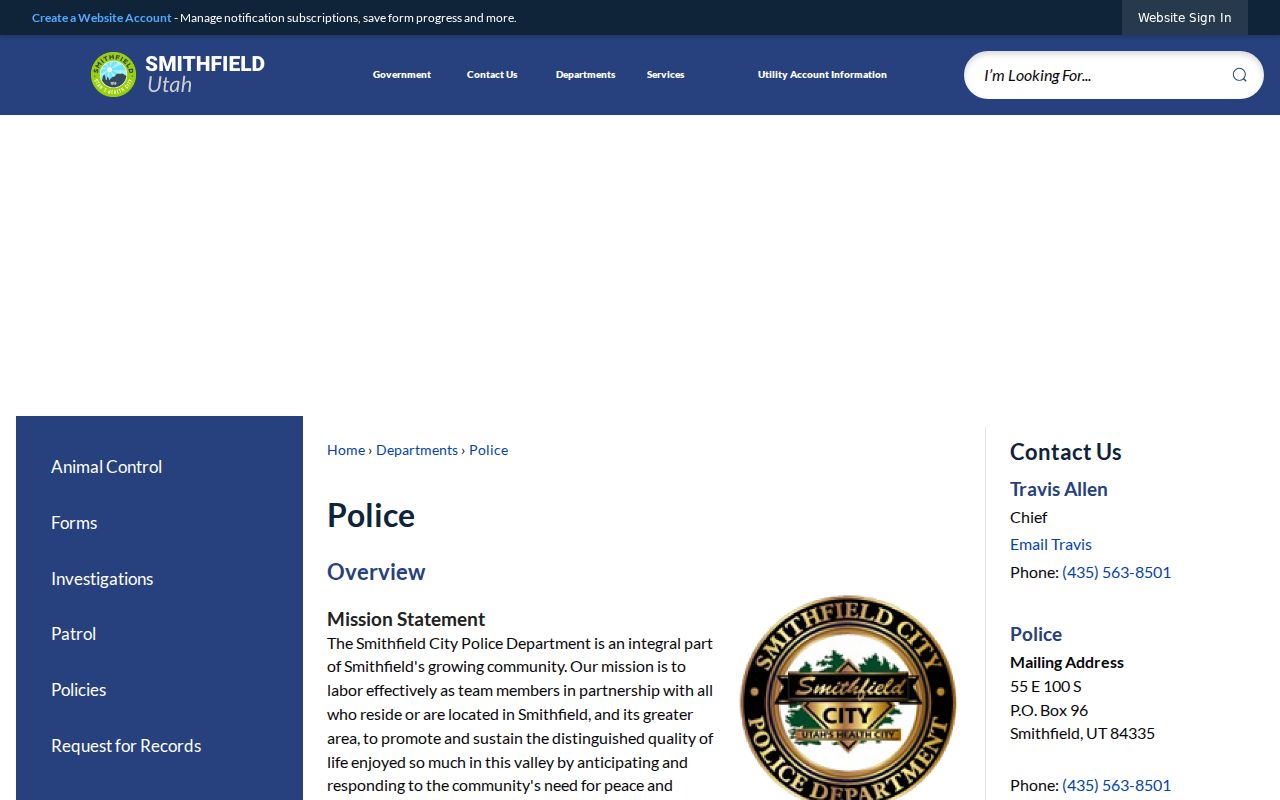
Court dissolution is a routing change, not evidence that every old case or warrant vanished. Ask the current court to locate the historical docket using the citation or case number. A police records request may concern an incident report, while recall, bond, and appearance requirements remain judicial questions.
Municipal Warrants: What They Show
A public court summary may identify the issuing court, case or citation number, filed charge, hearing history, and current warrant notation. The available fields vary by case and by access level. Read the court identifier before interpreting a status label, then ask the clerk to explain whether the record is current and what action the court expects. A calendar entry or payment result alone does not confirm a warrant’s status.
| Warrant / Case Number | The identifier links the notice to the correct docket; keep punctuation and court prefix. |
|---|---|
| Charge / Event | The underlying citation, ordinance allegation, or missed appearance; a warrant is not a conviction. |
| Issuing Court | The court that entered the order, which may differ from the police agency or city of residence. |
| Bond / Fine | Any amount shown needs confirmation with the clerk; it is not automatically a recall instruction. |
| Status | Terms such as active, served, or recalled can update at different times; confirm directly. |
Providence’s Court Also Serves Nearby Cities
Providence Justice Court serves Providence, Millville, and River Heights. The official city contact is 164 N Gateway Drive, (435) 752-9441, with weekday city hours listed as 8 a.m. to 5 p.m. Providence posts recurring court-session information, including Wednesday afternoon listings. A meeting or session calendar helps locate the institution, but it is not a public warrant roster and does not reveal the status of an individual case.
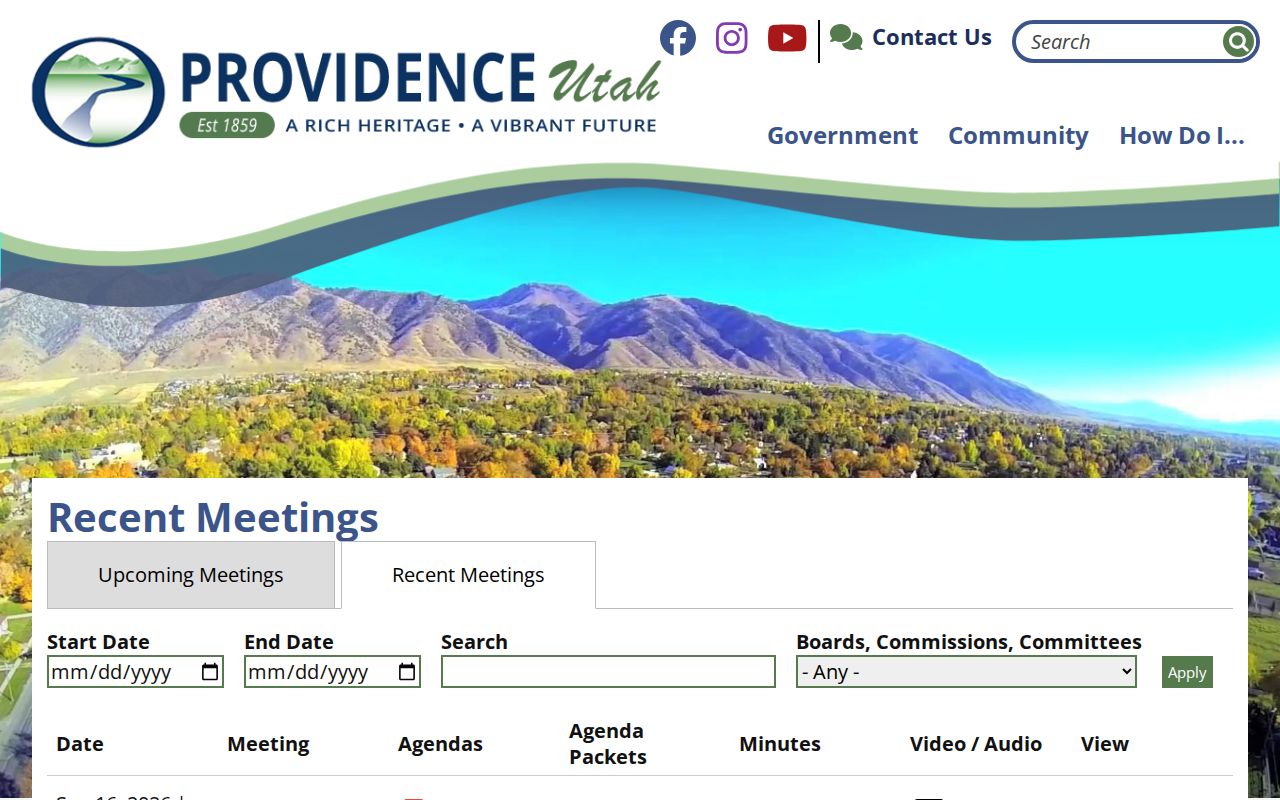
For an apparent Providence case, preserve its case number and contact the court using the current city directory. If the notice is a traffic citation, ask whether payment, an appearance, proof of compliance, or a judge’s order is needed. The same caution applies in every city: a payment page is not necessarily a warrant lookup.
Clearing a Municipal Court Warrant
Resolution depends on the order in the underlying case. A clerk can explain whether the court requires an appearance, payment, proof of compliance, or a motion; only the court can confirm a recall or change the docket. Do not assume that paying an online balance automatically removes a warrant or a separate driver-license hold.
- Confirm the issuing court, docket number, warrant notation, and available resolution options with the clerk.
- Follow the court’s direction for payment, an appearance, proof of compliance, or a formal request.
- Keep receipts and filed documents, then ask when the court will update its docket and any linked state record.
- Check separately with Utah Driver License Division if the court reports an SFTA hold.
Keep the court in the loop: a payment or old court link does not prove recall. Confirm the required action and the updated status with the court named on the docket.